Why Does IT Matter to Me?
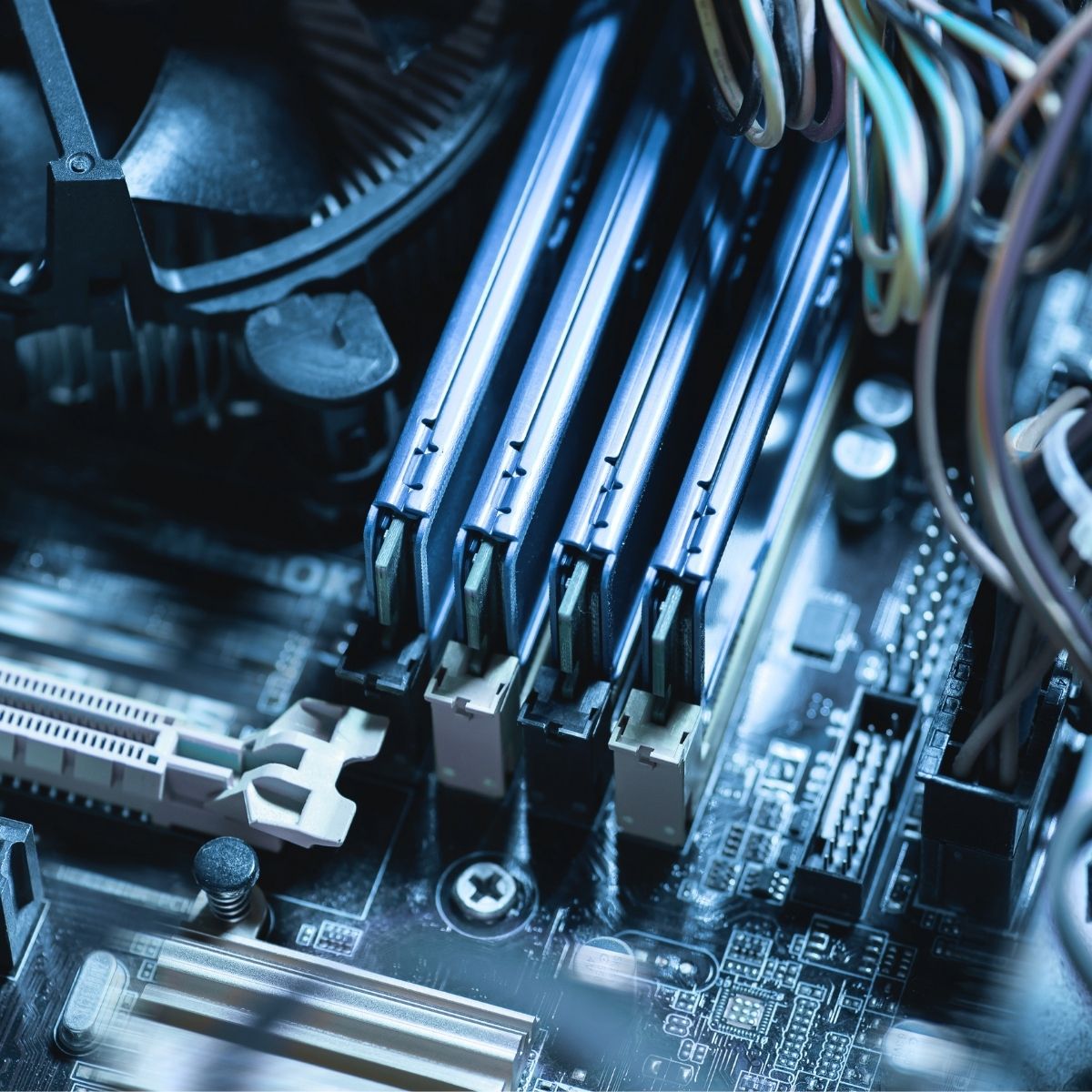
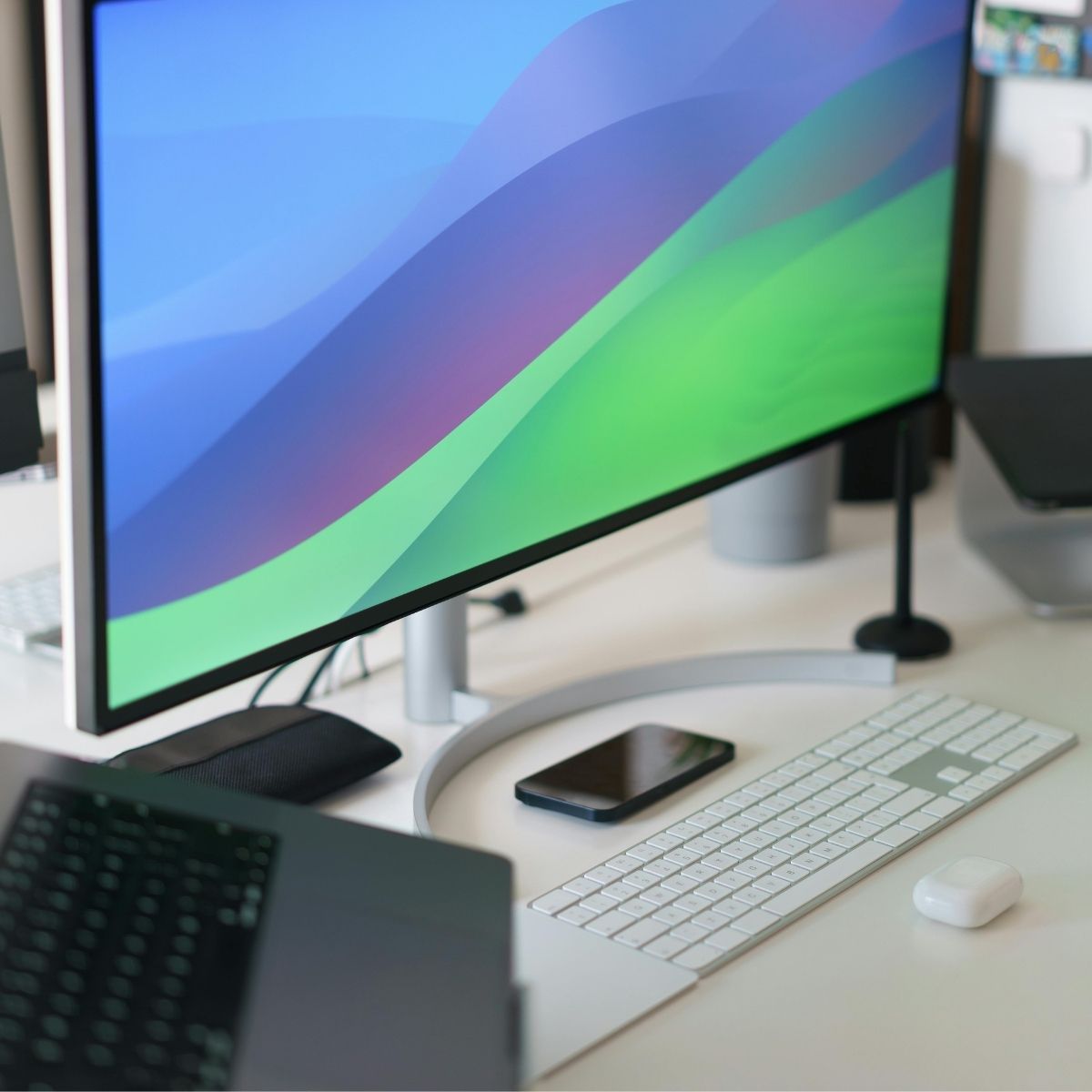
Whether you’re working on a laptop at home, powering through tasks on a desktop in the office, or relying on a company server to store critical business files, computer hardware is the essential backbone. At its core, it is what makes your technology actually work. Hardware processes every click, keystroke, and command. It securely stores your precious photos, important documents, emails, and business data. It renders stunning pictures, videos, and graphics on your screen with clarity and speed. And it connects everything together.
For everyday users, it means fewer frustrations, faster performance, and a smoother digital experience. But for small and medium-sized businesses (SMBs), investing in the right equipment is even more critical.
- Keeps operations running smoothly with minimal downtime
- Boosts employee productivity by reducing lag and slow load times
- Enhances data security and protects against unexpected failures or data loss
- Supports scalability as your business grows
- Improves overall efficiency, allowing teams to focus on what matters most
- Outdated or unreliable equipment can lead to lost productivity, security vulnerabilities, and costly repairs. In today’s fast-paced environment, modern laptops, desktops, servers, and networking equipment are no longer optional.
We recommend enterprise-grade hardware from manufacturers like HP or Microsoft because they are made with higher quality components.